MCP Server
Let AI Agents Track Brands, Prompts, and Competitors for You
Connect the AIclicks MCP server to Claude, Claude Code, or Cursor. Ask about your visibility, citations, and competitors, then tell your assistant to add prompts, track a competitor, or create a brand.
WORKS WITH ANY MCP CLIENT
CLAUDE
" height="16px" id="fvSweaOBo" transform="translate(1 0)" width="14px"/></svg>)
CLAUDE CODE
" height="16px" id="hHS98fTxZ" width="16px"/></svg>)
CURSOR
" height="15.360666565427872px" id="HZPvvPBv7" transform="translate(0 0.5)" width="16px"/></svg>)
YOUR OWN AGENT

What is it?
One endpoint
mcp.aiclicks.io/mcp, over streamable HTTP
Read and write
Ask for numbers, or ask for changes
ChatGPT ads included
Who's buying placements against your prompts
Many clients, one account
Claude, Cursor and a teammate, side by side
Core capabilities
AIclicks MCP use cases
Six things your assistant can do once the server is connected, from answering a visibility question to setting up a new client brand.
1
Get Answers Quickly
Ask about visibility, mentions, citations, or share of voice. Your assistant calls the right tool and answers from live data rather than a random number.
2
Set Things Up From The Chat
Three write actions let your assistant add a prompt, add a competitor, or create a brand and start analysis. It shows you what it's about to do and waits for your yes.
3
ChatGPT Ads, In The Chat
Ask who's advertising on ChatGPT against your tracked prompts. You get headline numbers, a leaderboard of advertising brands, daily ad activity, the prompts that triggered ads, and the creatives seen.
4
Fan-Out Queries And Citations
Pull the fan-out queries LLMs actually ran to answer your prompts, plus every URL cited and whether it's yours, a competitor's, or third-party. Content planning without the export step.
5
Several Connections At Once
A new key no longer revokes your old one, so Claude Desktop, Claude web, Cursor, and a teammate's setup all stay live. A master key reaches every team you belong to.
6
The Same Key Drives The API
Your ak_live_ key also works against a documented REST API returning JSON, which is where the scheduled reporting jobs and warehouse syncs belong rather than in a chat window.
FREE TOOL
Try out our feature using a free tool
How it works
How the AIclicks MCP server works?
Connecting takes about two minutes, and there's nothing to install locally.
1

Add the server
Paste https://mcp.aiclicks.io/mcp into your client's connector settings. Claude Code does it in a single command. The transport is streamable HTTP, so there's nothing running on your machine.
2

Authenticate
Claude on the web signs in with your AIclicks account. Claude Desktop, Cursor, and every other client use an ak_live_ key created under Settings then Developers.
3

Ask, then act
Start with a question about your visibility. When you want something changed, say so and approve the confirmation your assistant shows you before it writes anything.
Who it's for
Built for people who'd rather ask than click
SEO Leads & Managers
01

Visibility answers without opening the dashboard
Agencies & Consultants
02

Onboard a client brand in one message
Growth & Marketing Leaders
03

Ask for the number, skip the export
Why AIclicks
An MCP server that does more than answer
Most AI visibility servers hand your assistant a read-only view. This one lets it change your setup too, with your approval on every write.
✓
Add prompts, competitors and brands from the chat
✓
✓
✓
✓
✓
✓
✓
FAQ
What is the AIclicks MCP server?
It's a hosted endpoint at mcp.aiclicks.io/mcp that exposes your AIclicks data as tools your AI assistant can call. Connect it once and you can ask about visibility, citations, prompts, competitors, and ChatGPT ads in plain English, and ask for changes to your setup.
Which tools does it work with?
Any MCP client. We publish setup steps for Claude on the web, Claude Desktop, Claude Code, and Cursor, and the server speaks streamable HTTP, so anything else that supports the protocol connects the same way.
How do I connect it?
Add https://mcp.aiclicks.io/mcp in your client's connector settings, then authenticate. Claude on the web signs in with your AIclicks account. Other clients use an ak_live_ key from Settings then Developers. Claude Code connects in one command.
What can I ask it?
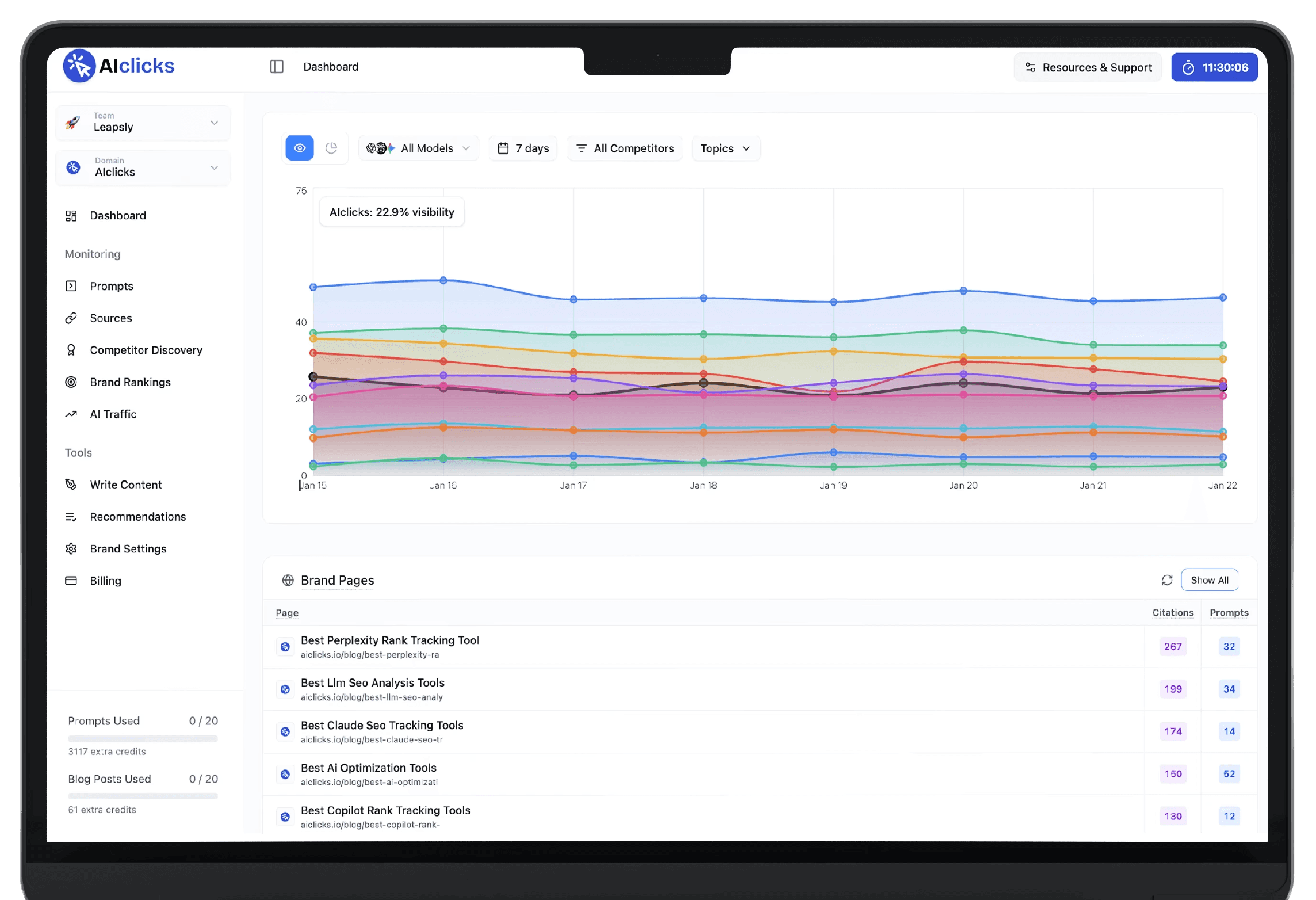
Anything the dashboard shows. Brand visibility and mentions over time, citation and citability rates, which URLs get cited and by whom, your tracked prompts, the fan-out queries behind them, per-engine rankings across ChatGPT, Perplexity, Gemini and Claude, competitor share of voice, and ChatGPT ad activity against your prompts.
Can it change things, or only read?
It can change things. Your assistant can add a prompt, add a competitor, and create a brand with analysis starting straight away, and it can look up your existing competitors, tags, and topics first so it files things in the right place. Write actions are on Pro and above and need a key tied to a team.
Can it act without asking me?
No. Every write is shown to you before it runs and needs your approval, so this isn't unattended automation. If you point a scheduled job at the read tools, it can only ever report.
How is the MCP different from the API?
Same data, same key, different way in. The MCP is for asking and acting in a chat with no code. The API is for building: pull the same data into a warehouse, a BI tool, or a scheduled report, as JSON.
What are the limits?
Sixty requests a minute per key, shared between the API and the MCP. Reads cache for about an hour. Day windows are relative, so you ask for the last 7, 30, or 90 days rather than a custom start and end date. API and MCP access run on the Pro, Business, and Enterprise plans.