ChatGPT Ads Monitoring
Track ChatGPT Ads in the Answers You Monitor
AIclicks scans every prompt on your tracked list for sponsored placements and shows which brands are buying them. Switch it on now and you have a baseline before the first competitor moves.
AD PLACEMENTS TRACKED INSIDE THE ANSWERS YOU MONITOR
CHATGPT
" height="16px" id="fvSweaOBo" transform="translate(1 0)" width="14px"/></svg>)
PERPLEXITY
" height="16px" id="hHS98fTxZ" width="16px"/></svg>)
CLAUDE
" height="15.360666565427872px" id="HZPvvPBv7" transform="translate(0 0.5)" width="16px"/></svg>)
GROK








What is it?
Full prompt sweep
Every tracked prompt checked for sponsored placements, not a sample
Advertiser Leaderboard
Brands ranked by coverage, prompts, and ad cards seen
Ad presence over time
Daily, weekly, or monthly lines per advertiser
Early warning
A baseline that makes a new entrant obvious the week it happens
Core capabilities
ChatGPT ads monitoring use cases
Six capabilities covering who is advertising against your prompts, how much ground they cover, and how that changes week to week.
1
Full Prompt Sweep
Every prompt on your tracked list gets checked for sponsored placements, and the dashboard shows how many came back with ads. No separate list to build and nothing to sample.
2
Advertiser Leaderboard
A ranked list of every brand appearing in placements across your prompts, ordered by coverage, prompt count, and total ad cards seen, so you can tell a serious buyer from a test.
3
Your Own Placements
A dedicated count for how many of your tracked prompts triggered your ads, which is the fastest way to check whether your own spend is landing where you expected.
4
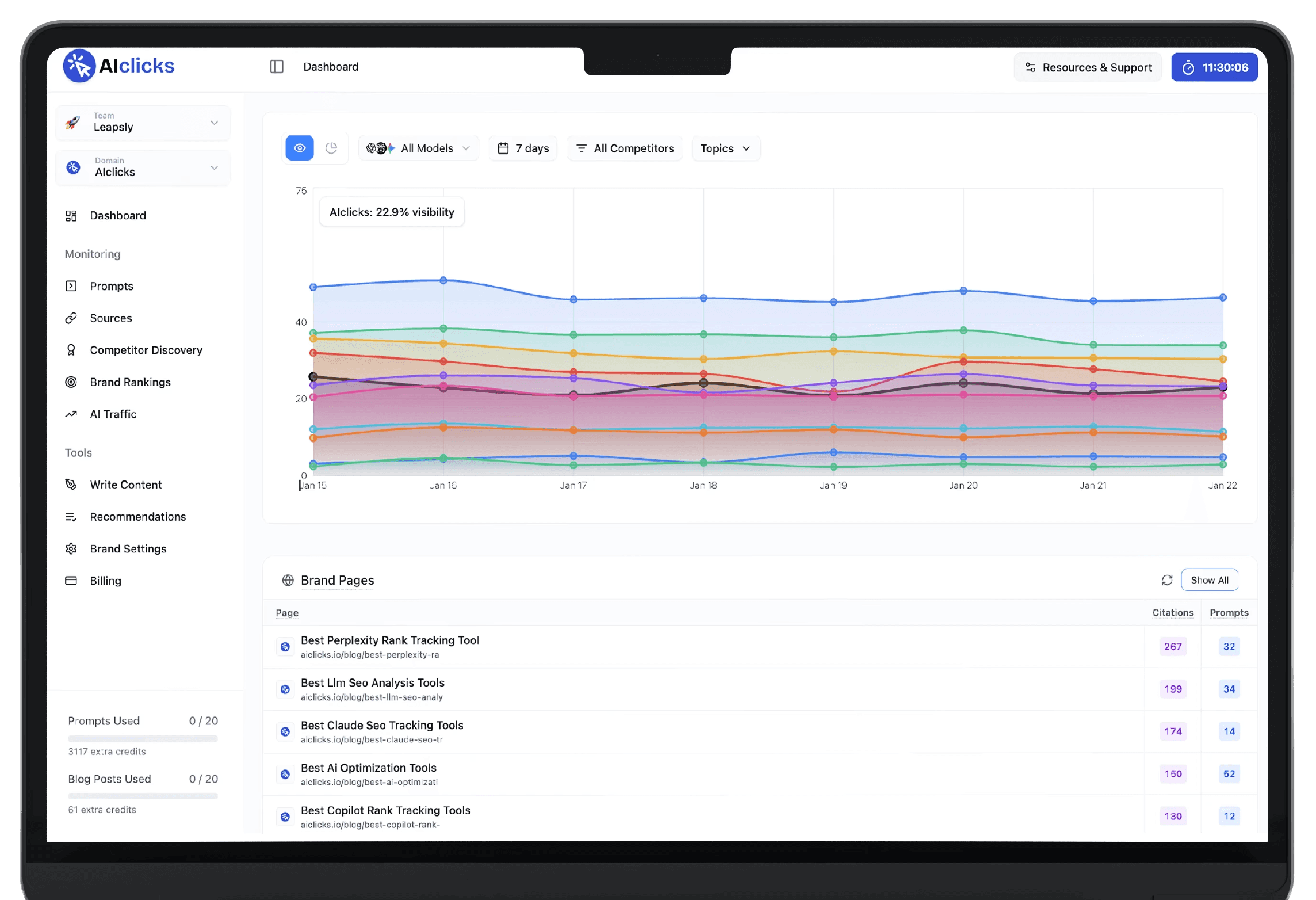
Ad Presence Over Time
A line per advertiser across your chosen window, at daily, weekly, or monthly resolution, so a sustained campaign looks different from a brand that ran a test and stopped.
5
Topic and Brand Filters
Narrow to a topic, a specific prompt, or a selection of brands, and set the date range. Useful when one product area attracts advertising and the rest of your list doesn't.
6
Export and Baseline
Export the whole view to CSV for reporting, and note that history accrues from the day you switch it on. Turning it on early is what makes later comparisons possible.
How it works
How ChatGPT ads monitoring works?
Ads Intelligence runs off the prompt list you already track, so setup is one click and the ongoing work is a monthly check.
1

Switch it on
Open Ads Intelligence and it starts scanning the prompts you already track. Nothing new to configure, and collection begins immediately, which is the point of doing it early.
2

Check in monthly
Ads are still an emerging placement, so a weekly review is more attention than this needs. Once a month is enough to catch a competitor entering your category.
3

Act when the line moves
A brand climbing the leaderboard across your high-intent prompts is a signal worth responding to, whether that means matching the spend or strengthening the organic answer beside it.
Who it's for
Built for teams who set the baseline early
SEO Leads & Managers
01

Know when paid arrives in your prompts
Agencies & Consultants
02

An ad baseline per client, from day one
Growth & Marketing Leaders
03

See who's buying your category
Why AIclicks
Ad tracking that sits on your own prompt list
Ad libraries show you what a brand is running somewhere. AIclicks shows you what appears against the specific questions your buyers ask.
✓
✓
✓
✓
✓
✓
✓
✓
FAQ
What is ChatGPT ads monitoring?
ChatGPT ads monitoring tracks sponsored placements appearing inside AI answers. AIclicks scans every prompt on your tracked list, flags the ones returning ads, and shows which brands are buying them, ranked by how much of your prompt set they cover and how many ad cards appeared.
Are there actually ads in AI answers yet?
Sponsored placements are an emerging format rather than an established channel, and coverage varies by category and market. That's exactly why the feature is worth switching on early: data accrues from the day you enable it, so you have a baseline to compare against when your category starts attracting spend.
Do I need to set up anything separately?
No. Ads Intelligence runs against the prompts you already track, so switching it on is the whole setup. The dashboard fills in as scans run.
Can I see whether my own ads are appearing?
Yes. There's a dedicated count for how many of your tracked prompts triggered your own placements, shown alongside the competitor data rather than in a separate report.
How often should I check it?
Monthly is enough. This is a watch-for-change feature rather than a daily operational one, and the value comes from noticing when a competitor's line starts climbing.
What does the Advertiser Leaderboard tell me?
Which brands are buying against your prompts, and how seriously. Coverage, prompt count, and ad cards seen together separate a brand running a small test from one committing budget across your category.
Can I filter to a specific product area?
Yes. Filter by topic, by individual prompt, or by a selection of brands, and set your own date range. That matters when advertising concentrates in one part of your prompt list.
Can I export the data?
Yes, the view exports to CSV, which is the easiest way to pull it into a client report or track the numbers alongside your other channels.