" width="14px"><path d="M 13.864 5.629 L 13.3 5.629 L 13.3 5.6 L 7 5.6 L 7 8.4 L 10.956 8.4 C 10.379 10.03 8.828 11.2 7 11.2 C 4.681 11.2 2.8 9.319 2.8 7 C 2.8 4.681 4.681 2.8 7 2.8 C 8.071 2.8 9.045 3.204 9.786 3.864 L 11.766 1.884 C 10.516 0.719 8.844 0 7 0 C 3.134 0 0 3.134 0 7 C 0 10.866 3.134 14 7 14 C 10.866 14 14 10.866 14 7 C 14 6.531 13.952 6.073 13.864 5.629 Z" fill="rgb(255, 193, 7)" height="14px" id="H_YjfTNpn" width="14px"/><path d="M 0 3.742 L 2.3 5.429 C 2.922 3.888 4.429 2.8 6.193 2.8 C 7.264 2.8 8.238 3.204 8.979 3.864 L 10.959 1.884 C 9.709 0.719 8.037 0 6.193 0 C 3.504 0 1.172 1.518 0 3.742 Z" fill="rgb(255, 61, 0)" height="5.428500000000002px" id="PlkthQDhg" transform="translate(0.875 0)" width="10.959199999999996px"/><path d="M 6.232 5.581 C 8.04 5.581 9.683 4.889 10.925 3.764 L 8.758 1.931 C 8.032 2.483 7.144 2.782 6.232 2.781 C 4.411 2.781 2.865 1.62 2.283 0 L 0 1.759 C 1.159 4.026 3.511 5.581 6.232 5.581 Z" fill="rgb(76, 175, 80)" height="5.581099999999999px" id="WlnJ5gngE" transform="translate(0.7 8.4)" width="10.924899999999994px"/><path d="M 6.864 0.029 L 6.3 0.029 L 6.3 0 L 0 0 L 0 2.8 L 3.956 2.8 C 3.68 3.576 3.183 4.254 2.526 4.75 L 2.527 4.749 L 4.693 6.582 C 4.54 6.722 7 4.9 7 1.4 C 7 0.931 6.952 0.473 6.864 0.029 Z" fill="rgb(25, 118, 210)" height="6.589883930775992px" id="x_rSW275p" transform="translate(7 5.6)" width="7px"/></g></svg>)


Reviewed by:
Founder @ AIclicks

Founder @ AIclicks
Last updated:
Expert Verified

Growing a YouTube channel is harder than it looks. Believe me, I tried it myself. As it turns out, publishing more videos is not enough if the topics are weak, the targeting is off, or the titles, descriptions, and tags do not match how people actually search.
That is why the best YouTube SEO tools matter. The right tool can help you find relevant keywords, validate search volume, study competitors, improve video optimization, and make smarter decisions about your YouTube content before and after publishing. Some tools are built for keyword research. Others focus on YouTube analytics, video ideas, or workflow support inside your channel.
In this guide, I break down the best YouTube SEO tools in 2026, who they are best for, where they help most, and where they fall short.
Best YouTube SEO Tools: Quick Comparison Table
Tool | Best For | Coverage | Key Features | Strengths | Limitations | Pricing |
|---|---|---|---|---|---|---|
AIclicks | AI-era YouTube topic discovery and visibility research | AI answers, cited sources, prompt tracking, source analysis | Source intelligence, prompt discovery, citation analysis, content idea generation, AI visibility tracking | Best for finding which YouTube videos and source patterns shape discovery in AI search | Not a direct YouTube upload optimizer or native channel manager | Custom / trial-based positioning from AIClicks content |
vidIQ | Best overall for most YouTube creators | YouTube keyword research, optimization, idea generation, competitor intel | Keyword generator, search volume, competition scores, AI coach, optimization suggestions | Strong all-rounder for keyword research, video ideas, and channel growth | Can feel heavy if you only need a simple workflow | Free plan available, paid plans via Boost and higher tiers |
TubeBuddy | Best for optimization workflows and bulk actions | YouTube SEO, titles, thumbnails, bulk editing, channel workflows | Keyword Explorer, SEO Studio, Click Magnet, A/B testing, bulk tools | Excellent for optimization inside the publishing workflow | Interface and feature depth can be overkill for casual creators | Free plan available, paid plans from about $3.60 monthly on annual billing for Pro |
YouTube Studio | Best free native analytics tool | Channel and video analytics inside YouTube | Traffic source reports, audience data, retention, video-level analytics | Essential, free, and directly tied to real channel performance | Limited for deeper keyword discovery and external competitor research | Free |
Google Trends | Best for trend spotting and topic timing | Google search interest and trend movement | Trend comparison, regional interest, related searches, exports | Excellent for validating video ideas and seasonal demand | Does not give true YouTube keyword difficulty or full optimization workflow | Free |
Google Keyword Planner | Best for validating commercial keyword demand | Google Ads keyword research | Keyword ideas, search estimates, budget estimates | Useful for checking broader demand around video topics | Built for ads and search campaigns, not YouTube specifically | Free with Google Ads access |
Ahrefs | Best for search-driven YouTube keyword research | YouTube keyword research and broader SEO data | YouTube Keyword Tool, search volume, keyword ideas, broader SEO suite | Great when YouTube is part of a wider search strategy | Expensive if you only need YouTube research | Paid plans from $29 Starter and $129 Lite, with free tools available |
Semrush | Best for teams combining YouTube with broader digital marketing | SEO, keyword research, competitor research, YouTube keyword app | Keyword Magic Tool, Keyword Analytics for YouTube, content research | Strong for agencies and teams working across Google and YouTube together | Not as creator-native as vidIQ or TubeBuddy | Paid plans from $139.95 per month, with limited free access and trials |
Keyword Tool | Best for long tail YouTube keyword suggestions | Google, YouTube, and other autocomplete sources | Autocomplete mining, YouTube tags, long tail keywords, search volume on paid plans | Fast way to generate lots of keyword suggestions | Best data is locked behind Pro | Free basic use, Pro from €79 per month billed annually |
Social Blade | Best for channel benchmarking and public growth tracking | Public creator and channel stats | Channel stats, rankings, projections, report cards | Useful for competitor analysis and benchmarking | Not a real optimization suite or keyword research tool | Free plan available, paid subscriptions from $4.50 per month |
TL;DR
If your strategy goes beyond YouTube and into AI visibility, source discovery, and broader content research, AIclicks stands out. It helps you understand which sources shape discovery, what content patterns are getting cited, and where your next video opportunities may come from.
However, if you're looking for more traditional YouTube SEO tools, consider vidIQ. If your priority is optimizing workflow and bulk improvements, TubeBuddy is the stronger option. If you want a free stack, YouTube Studio, Google Trends, and Google Keyword Planner are still worth using together.
1. AIclicks
AIclicks is not a traditional YouTube keyword tool, and that is exactly why it is interesting here. Most YouTube SEO tools help you optimize within YouTube. AIclicks helps you understand which sources, prompts, and cited content are shaping discovery in AI search, and that includes YouTube.
Inside AIClicks’ own framework, YouTube is treated as a major cited source that can be mined for new video ideas, source patterns, and visibility opportunities. Their internal deck and webinar materials repeatedly point to YouTube as a source you can reverse engineer for content creation and brand placement.
That makes AIclicks especially useful for brands, agencies, and creators whose YouTube channel supports a bigger content strategy. Instead of asking only “what should I tag this video with?”, you can ask “which YouTube videos are already being cited for this topic, what patterns do they follow, and where is there room to create something better?” That is a more strategic way to approach YouTube SEO in 2026.
Strengths: Excellent for AI-era topic discovery, source analysis, and visibility research. Strong fit for brands that want YouTube content to support search, AI visibility, and thought leadership.
Weaknesses: It does not replace creator-native optimization tools like TubeBuddy or vidIQ for upload-level SEO work.
Pricing: Starter $59/mo. Pro $189/mo. Business $499/mo. Agency / Enterprise custom pricing.
2. vidIQ
vidIQ is still one of the strongest answers for creators who want one main YouTube SEO tool. Its core value is simple. It helps you find relevant keywords, judge competition, generate keyword ideas, and turn those ideas into better video titles and content decisions. vidIQ’s official product pages emphasize its keyword generator, search volume data, competition scoring, optimization suggestions, and AI coaching. That is a strong mix for creators who want to move from topic research into actual publishing without juggling too many tools.
It is especially useful for YouTube creators who need help choosing the right keywords and identifying popular search terms from the YouTube search bar environment without doing everything manually. The tool is also a good fit for people who need direction fast. It is more opinionated than some alternatives, which can be helpful when you want momentum.
Strengths: strong keyword research, useful channel growth features, practical optimization suggestions, and a good balance between data and usability.
Weaknesses: some advanced features matter more to growth-focused creators than to casual users, so lighter channels may not use the full stack.
Pricing: Free $0. Max $39/mo on yearly billing. Enterprise custom pricing.
3. TubeBuddy
TubeBuddy remains one of the best video optimization tools for creators who live inside YouTube Studio and want help during the upload and management workflow. Its official feature pages highlight Keyword Explorer, SEO Studio, Click Magnet, A/B testing, channel insights, and bulk actions. That set makes TubeBuddy very strong for practical optimization work such as improving titles, descriptions, and tags, testing thumbnails, and managing large libraries of videos.
Where TubeBuddy often beats other tools is in execution. It is not just about keyword suggestions. It is about getting more done in just a few minutes when you are editing metadata, testing creative, or updating older uploads. That matters for active channels with lots of YouTube content already published.
Strengths: excellent publishing workflow support, helpful optimization features, and strong utility for channels that need scale.
Weaknesses: If your main need is pure YouTube keyword research or topic discovery, some of the workflow features may feel like extra weight.
Pricing: A free plan is available. Pro $4.50/mo monthly or $3.60/mo yearly. Legend $28.99/mo monthly or $23.19/mo yearly. Enterprise pricing is not public.
4. YouTube Studio
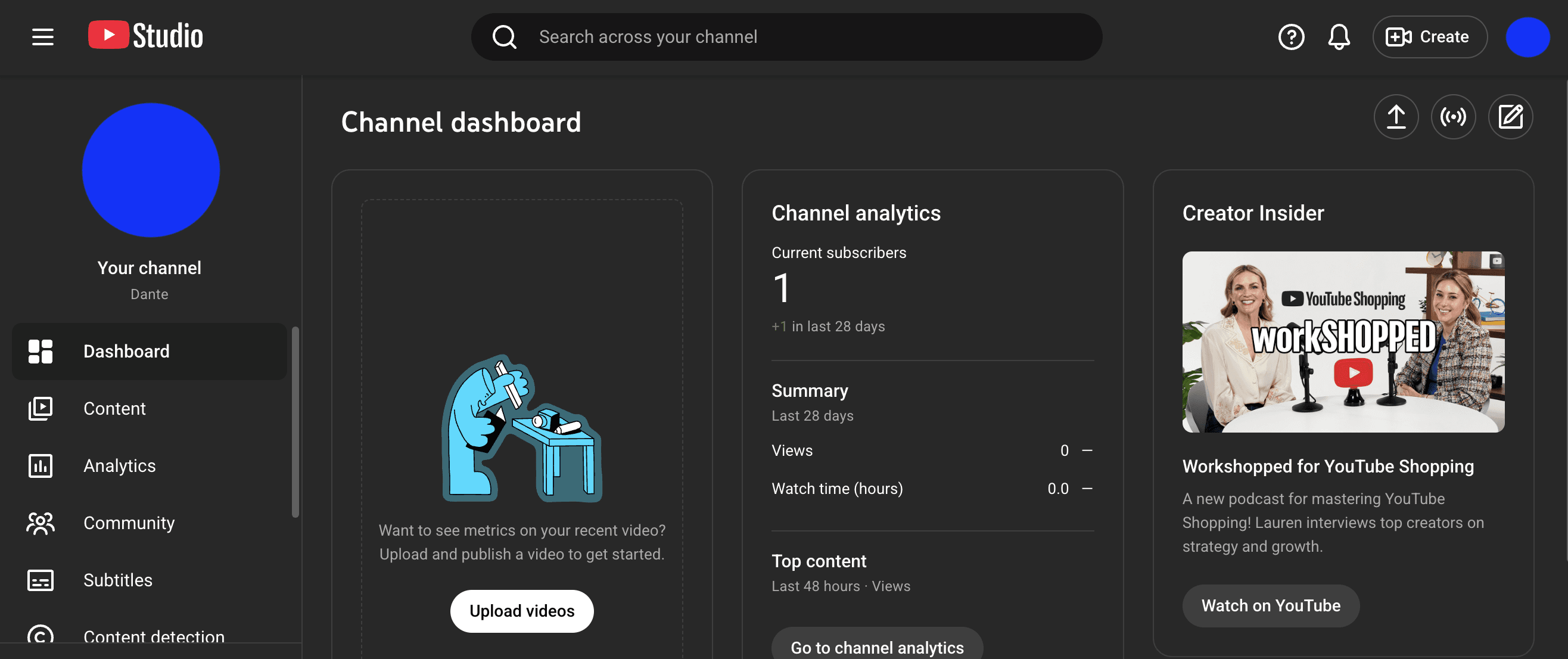
YouTube Studio is still the most essential free tool in any YouTube SEO stack. That is because no third-party SEO tool can fully replace native performance data. YouTube’s own documentation shows that Studio gives channel-level and video-level analytics directly inside the platform, including access to reports that help creators understand traffic sources, content performance, and audience behavior.
For SEO efforts, this matters because optimization without analytics is mostly guessing. You need to know which YouTube videos actually hold attention, which video titles attract clicks, where viewers come from, and how audience demographics shift over time. Studio is not the best YouTube keyword tool, but it is the best place to validate whether your optimization choices worked.
Strengths: free, native, essential, and directly tied to real video performance. Great for retention, audience data, and channel health.
Weaknesses: weak for competitor analysis, external keyword suggestions, and early-stage idea validation.
Pricing: free.
5. Ahrefs

Ahrefs is one of the best choices when your YouTube strategy is tightly connected to Google search and broader SEO. Its YouTube Keyword Tool is built around clickstream-based search volume data and supports keyword research across many countries. Ahrefs also offers a larger SEO ecosystem, which makes it especially helpful for teams that want to connect video topics to broader content strategy, search engine demand, and competitor analysis.
This is where Ahrefs becomes more useful than creator-only tools for some teams. If your videos support blogs, landing pages, or demand generation, Ahrefs can help you identify keyword ideas that work across platforms rather than only inside YouTube. That can be a big advantage for digital marketing teams.
Strengths: strong keyword data, wide SEO coverage, useful for content strategy that spans YouTube and Google.
Weaknesses: expensive if you only need YouTube features, and less creator-native than TubeBuddy or vidIQ.
Pricing: paid plans include Starter at $29 monthly and Lite at $129 monthly, with free tools also available.
6. Semrush
Semrush fits best when YouTube is one part of a larger marketing machine. Its platform combines keyword research, competitor research, content planning, and its own Keyword Analytics for the YouTube app. Official Semrush materials also emphasize keyword data such as monthly volume and keyword difficulty, which makes it useful for teams that want to align YouTube content with broader search and campaign strategy.
Compared with creator-native tools, Semrush is less focused on upload optimization and more focused on research, planning, and integration with bigger SEO efforts. Agencies and in-house teams often prefer this because it lets them tie youtube seo into a wider content program rather than treating the channel as a separate island.
Strengths: strong research environment, solid keyword suggestions, good fit for agencies and cross-channel teams.
Weaknesses: not as intuitive for creators who mostly care about tags, titles, and video-level workflow.
Pricing: plans start at $139.95 per month, with limited free access and trial options depending on the tool.
7. Google Trends
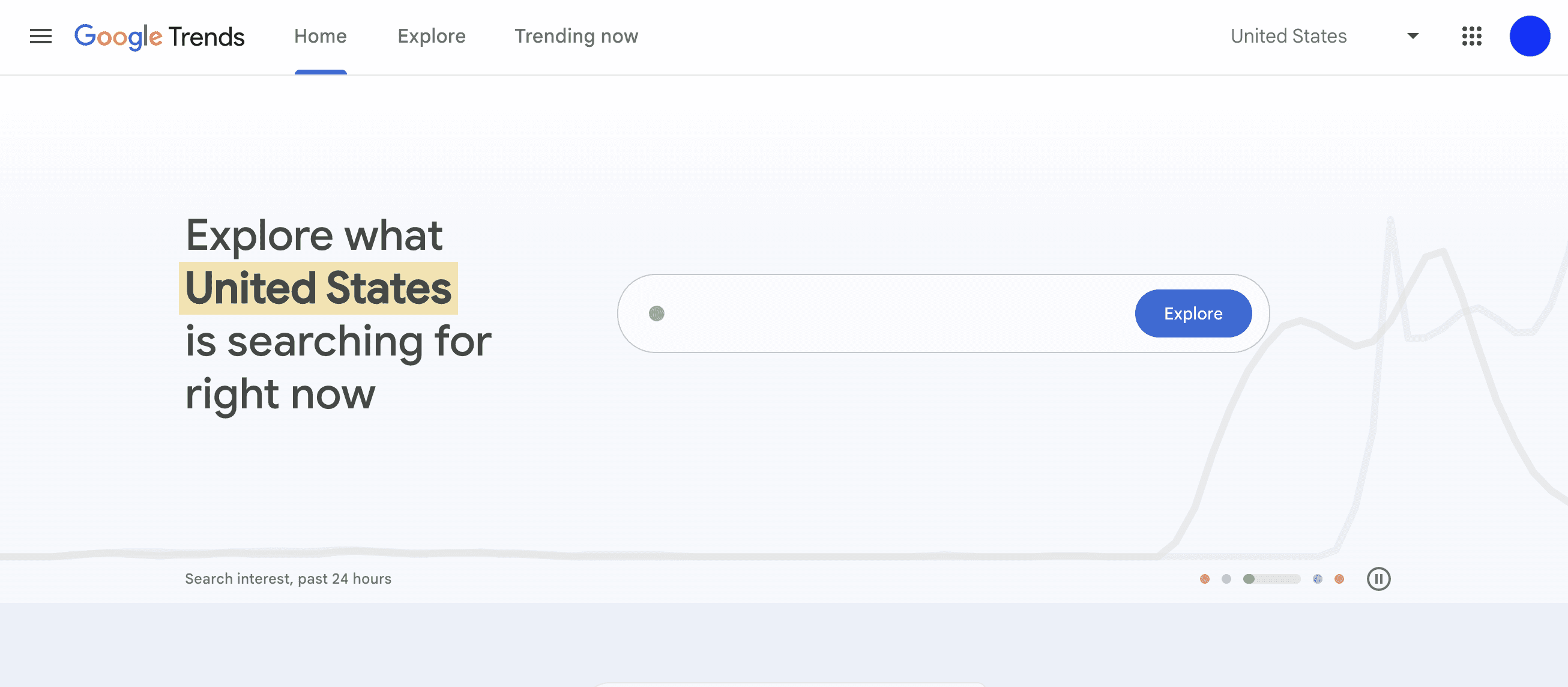
Google Trends is one of the most underrated free tools for YouTube SEO. It does not act like a classic YouTube keyword tool, but it is excellent for spotting rising topics, comparing interest over time, and checking whether a topic is growing or fading. Google’s help documentation also makes clear that Trends lets you compare terms, explore results by region, and find related searches, which is useful when planning timely videos.
For creators, that means better timing and better topic selection. It is particularly helpful when deciding between several video ideas or when validating whether a topic has momentum before you create videos around it.
Strengths: free, quick, excellent for trend validation and regional demand checks.
Weaknesses: it does not provide full YouTube optimization features or precise search volume in the way many paid tools try to.
Pricing: free.
8. Google Keyword Planner
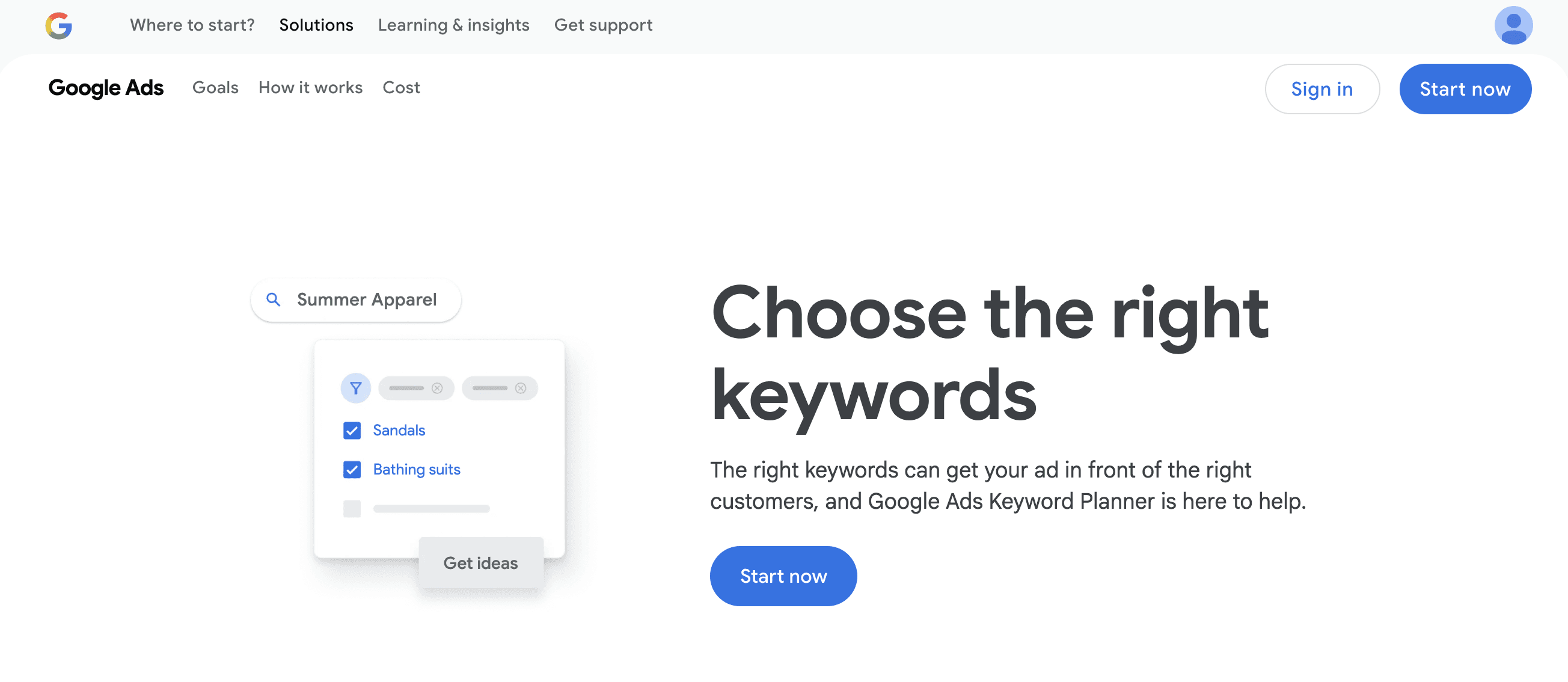
Google Keyword Planner is not built specifically for YouTube creators, but it is still useful when your channel supports commercial search intent. Google describes it as a free keyword search tool that helps users find keyword ideas, understand search estimates, and plan around budgets and campaign structure. That means it can help validate whether there is broader demand behind a topic before you invest in video production.
This is most valuable for brands and service businesses. If your YouTube channel exists to drive traffic, leads, or educate a target audience before conversion, Keyword Planner helps you connect video topics to the language people already use in Google search.
Strengths: free, familiar, and useful for checking commercial demand around relevant keywords.
Weaknesses: not a direct YouTube analytics or video optimization tool, and not ideal for channel-specific workflow.
Pricing: free with Google Ads access.
9. Keyword Tool
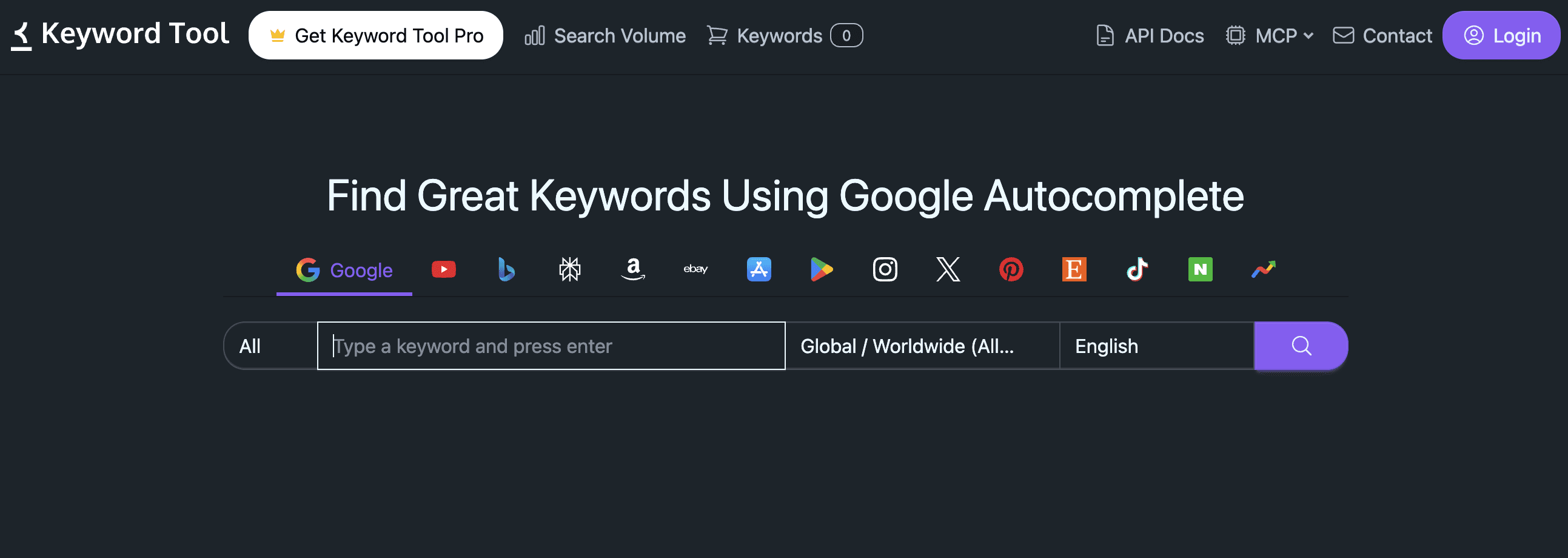
Keyword Tool is a good pick when your main goal is to generate lots of long tail keywords and keyword suggestions from autocomplete data. Its official pages position it as a free keyword research instrument built on autocomplete, and its YouTube pages focus specifically on generating tags and hashtags for video optimization. Paid plans unlock estimated YouTube search volume and other deeper data.
This makes it useful for creators who want a fast way to generate keywords people actually search, especially when brainstorming titles, descriptions, and tags. It is not the deepest platform in this list, but it is often faster than larger suites when you just want keyword ideas.
Strengths: very good for long tail keyword discovery and autocomplete-based research.
Weaknesses: the free version is helpful but limited, and the best data sits behind the Pro plan.
Pricing: free basic use, Pro starts at €79 per month, billed annually.
10. Social Blade
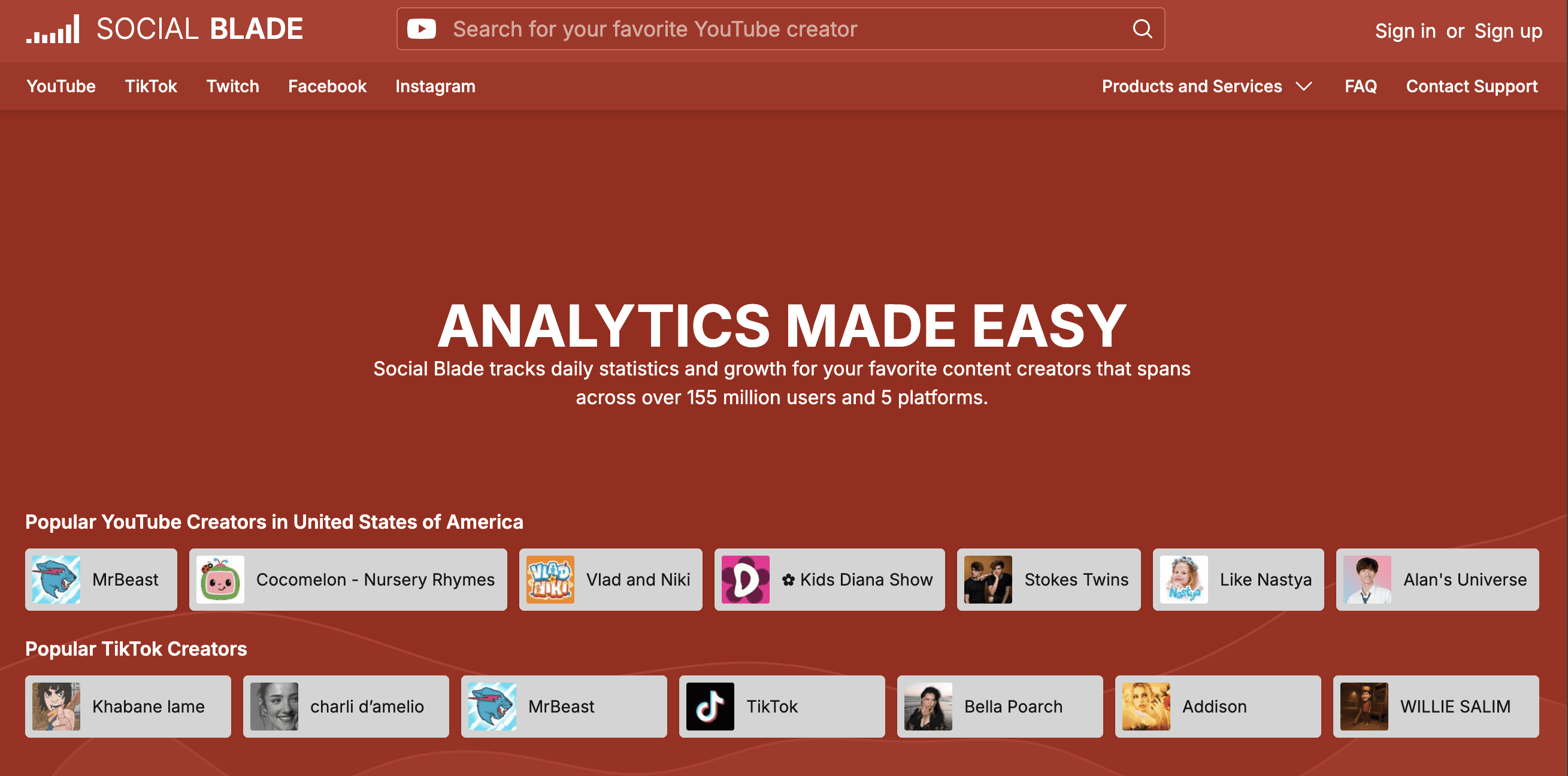
Social Blade is not really an SEO tool in the same way as vidIQ or TubeBuddy, but it still earns a place in this list because competitor analysis matters for YouTube success. Social Blade helps track public channel statistics, rankings, and report-card style views of creator performance across platforms, including YouTube. It also offers paid subscriptions for more data depth and features.
For YouTube SEO, its value is less about keyword research and more about benchmarking. You can use it to compare channels, track visible growth patterns, and keep an eye on other creators in your space. That context can shape your content strategy, publishing cadence, and positioning.
Strengths: useful public benchmarking, easy competitor monitoring, good supporting tool for creator research.
Weaknesses: weak for keyword research, video tags, and direct optimization workflows.
Pricing: free plan available, with paid subscriptions starting at $4.50 per month.
What to Look for in the Best YouTube SEO Tools
Not every YouTube SEO tool solves the same problem. Some are better for YouTube keyword research. Some are better for competitor analysis. Others are stronger for YouTube analytics, content strategy, or workflow support when publishing at scale.
The best tools usually help with four things. They help you find the right keywords, understand what your target audience is searching for, optimize your videos, and measure what actually drives more viewers. A good tool should save time, reduce guesswork, and make it easier to grow your channel with a clearer strategy.
Which YouTube SEO Tool Should You Choose?
If you want one main tool for day-to-day YouTube SEO, go with vidIQ.
If you care most about optimization workflow, bulk updates, and testing, go with TubeBuddy.
If you want the best free base stack, use YouTube Studio, Google Trends, and Google Keyword Planner together.
If your YouTube channel supports a broader SEO and content strategy, Ahrefs or Semrush make more sense than creator-only tools.
If you want to turn AI-cited YouTube sources into new content opportunities, AIclicks is the most strategic option in this list because it helps you see which sources and prompts are shaping visibility beyond YouTube itself. AIclicks’ own internal materials explicitly treat YouTube as a major cited source that can be turned into video ideas and brand visibility actions.
Final Verdict
The best YouTube SEO tools are not all trying to do the same job. Some help with YouTube keyword research. Some help optimize titles, descriptions, and tags. Some focus on YouTube analytics and audience demographics. Others are better for competitor analysis or broader content strategy.
For most creators, the strongest setup is simple. Use vidIQ or TubeBuddy as your main SEO tool, keep YouTube Studio as your performance source of truth, and use Google Trends or Google Keyword Planner to validate demand. If your channel is part of a larger search and AI visibility play, add AIclicks to the stack. That gives you a much better view of how video ideas, source patterns, and AI discovery connect to your channel’s growth.
FAQ
What are the best YouTube SEO tools?
The best YouTube SEO tools in 2026 are vidIQ, TubeBuddy, YouTube Studio, Ahrefs, Semrush, Google Trends, Google Keyword Planner, Keyword Tool, and Social Blade. The right choice depends on whether you need keyword research, video optimization tools, analytics, or competitor analysis.
What is the best free YouTube SEO tool?
YouTube Studio is the best free tool overall because it gives you native performance data directly from YouTube. Google Trends is a close second for topic validation, and Google Keyword Planner is useful when you want to connect video ideas to broader search demand.
Which tool is best for YouTube keyword research?
For most creators, vidIQ is the best mix of usability and keyword data. If you want a broader SEO suite, Ahrefs and Semrush are stronger for research-heavy workflows. If you only want autocomplete-driven keyword suggestions, Keyword Tool is a solid option.
Do video tags still matter for YouTube SEO?
Tags still help, but they are not the whole game. Strong topic targeting, video titles, thumbnails, retention, and audience response matter more than relying on tags alone. That is one reason modern YouTube SEO tools focus more on overall optimization and analytics than on tags only.
Can AIclicks really help with YouTube SEO?
Yes, but in a different way than TubeBuddy or vidIQ. AIclicks helps you identify which YouTube sources and topic patterns are getting cited in AI answers, then use that data for video ideas and a broader visibility strategy. It is more strategic than upload-level.




Any questions left?
Book a call here: